Every queue in the park, on one board.
Live wait times for 32 theme parks, laid out for a glance: what’s quiet now, what’s usually busy at this hour, and when an attraction is worth the walk.
Park day plans your whole visit around the queues. See how it works
Free. No card needed. Add Waitboard Plus later if you want more.
Not after the beta?
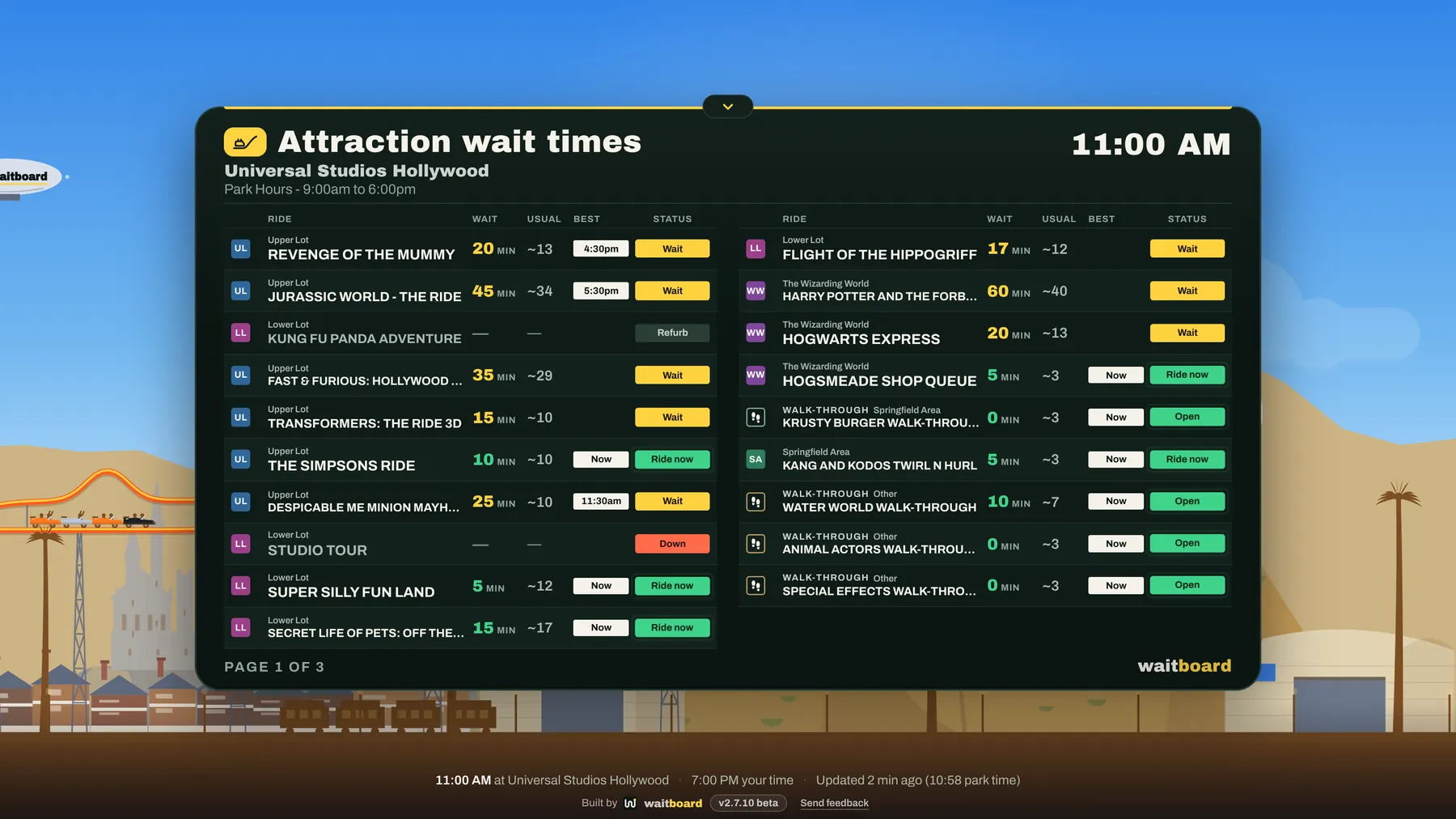
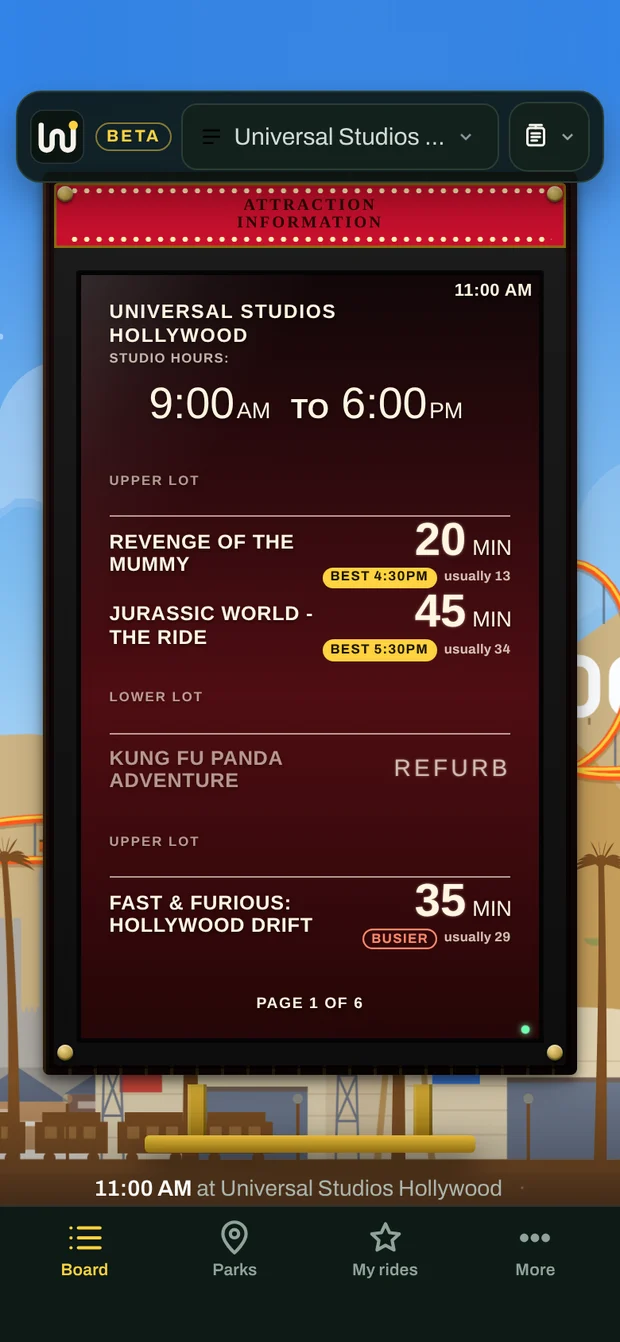
Example wait times, from a test park.
Plus Free accounts get 3 Park days a month.
Plan your park day around the queues.
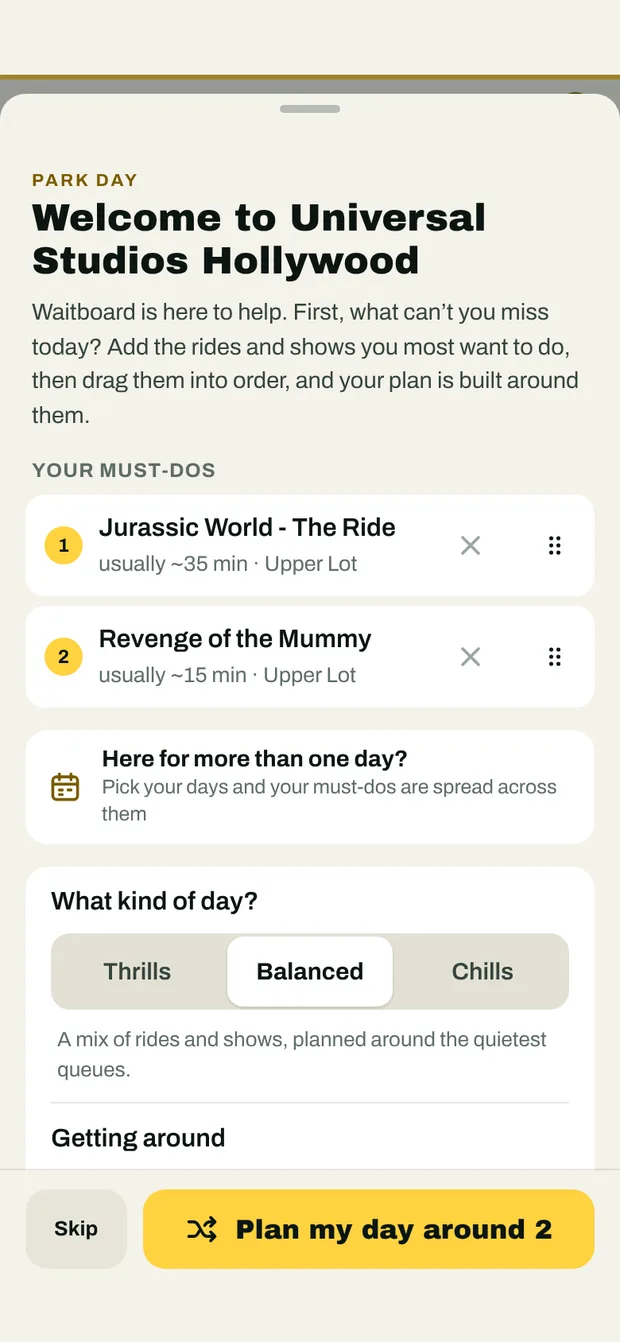
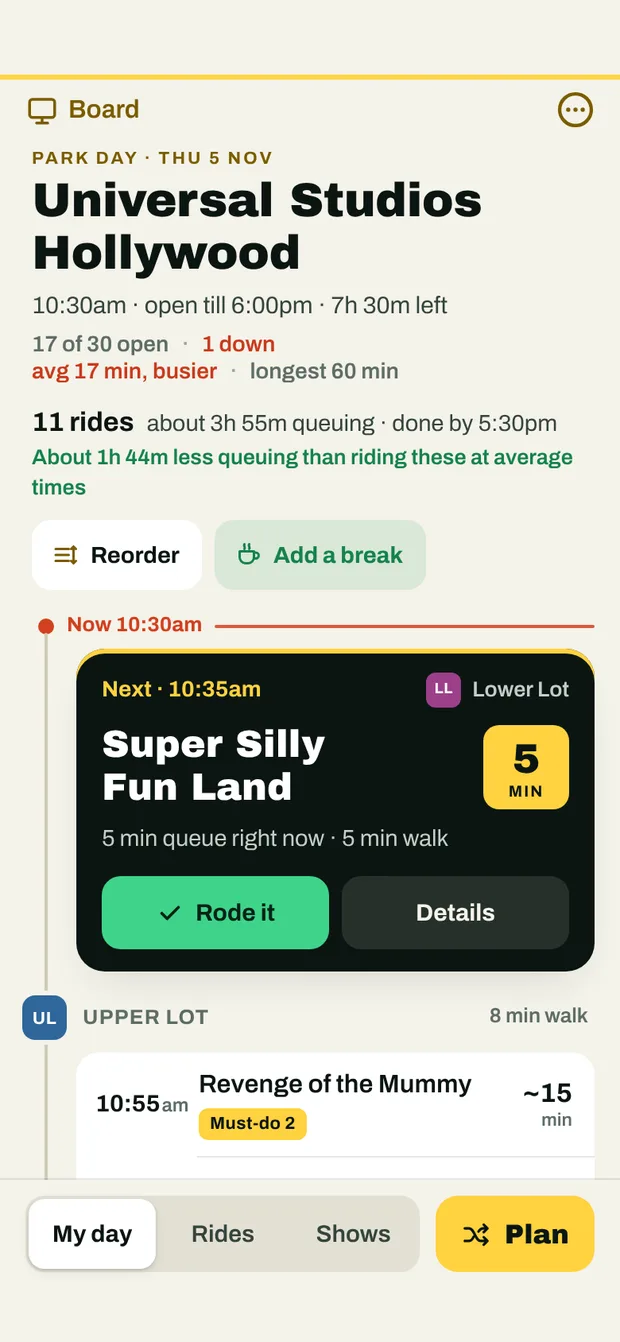
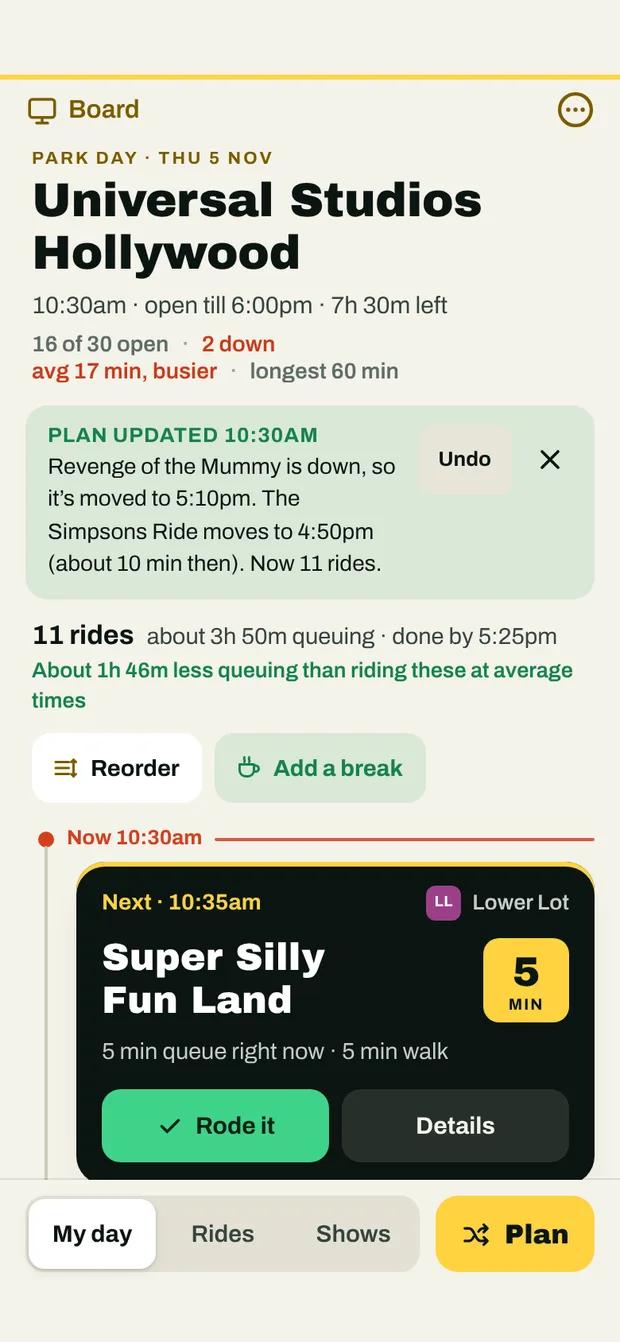
Example wait times, from a test park.
This is the real board.
It’s live and read-only, and it’s what you get when you open a park.
Loading the live board…
- Open now
- Longest wait
- Average wait
- Updated
- Refreshes by itself
Attraction wait times
Park time
Loading live waits…
A real board, read-only. Nothing here is a screenshot: it’s the board the app draws, refreshed every couple of minutes. With an account you can open any park, change the board and star your favourite attractions.
The wait times come from the parks through a data feed. Waitboard doesn’t create them. About the data
When something changes, the board shows it.
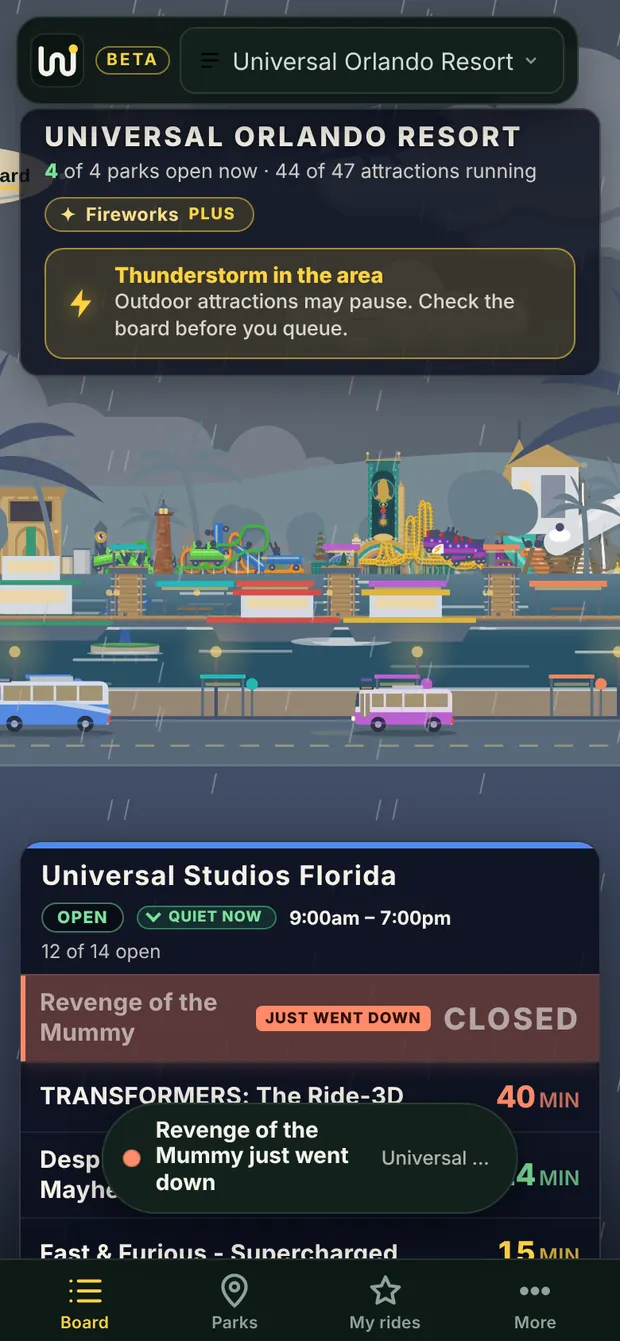
An attraction goes down
Its row flashes and a note names it.
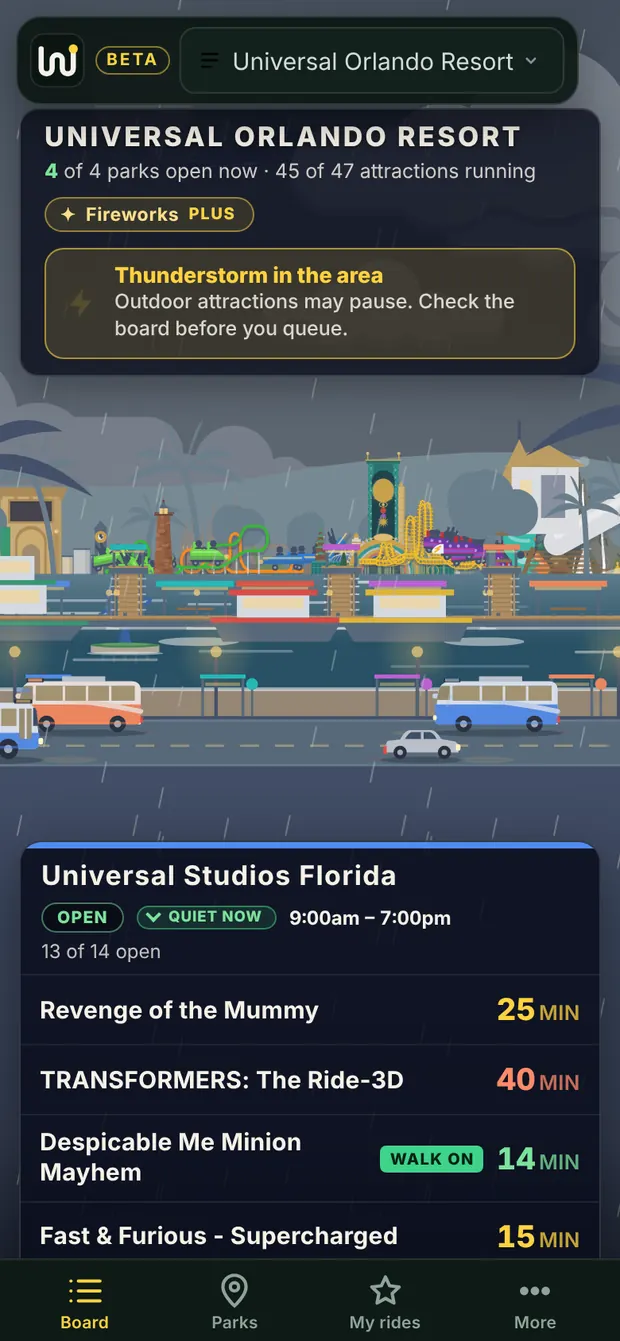
Storm in the area
A warning sits at the top of the board.
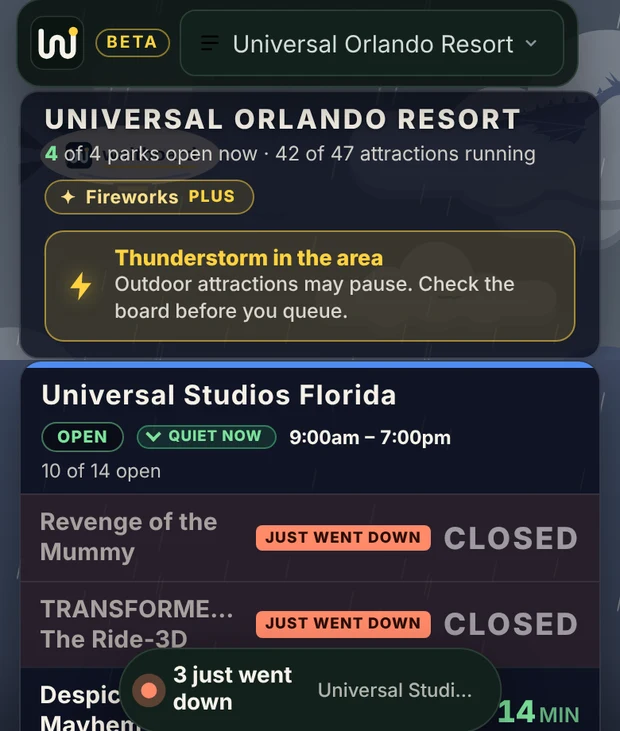
Down in a storm
The storm warning and the closed rows, together.
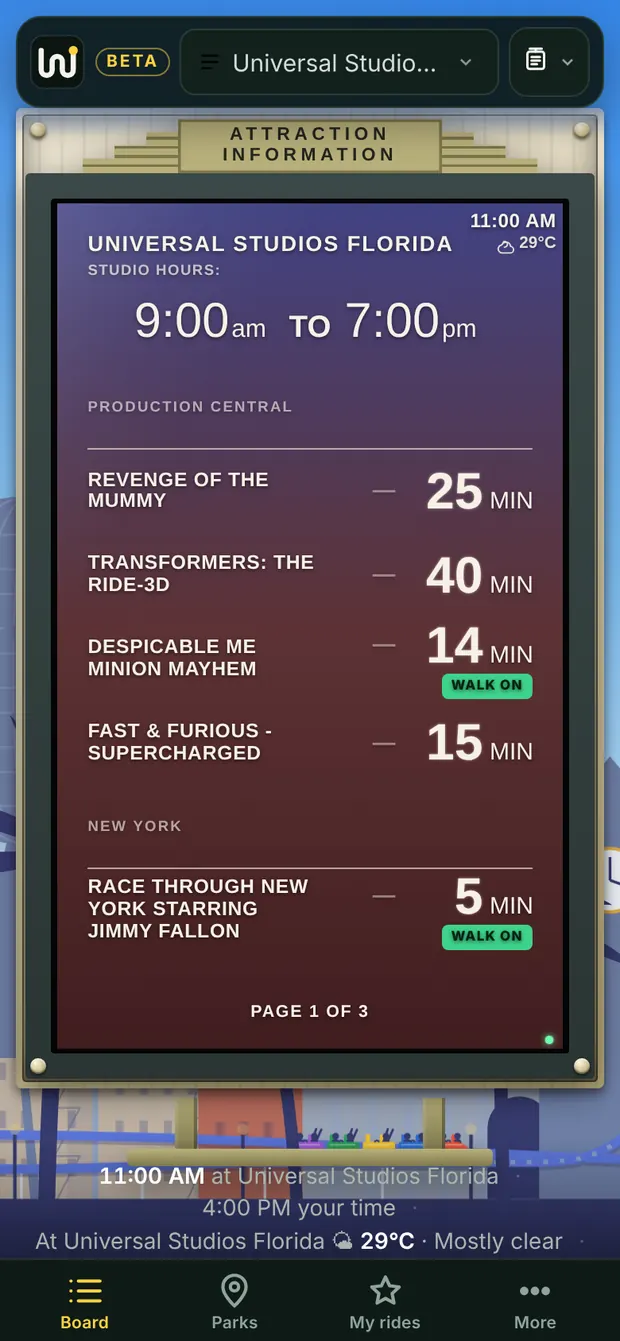
Walk on
Anything under 15 minutes says Walk on next to the number.
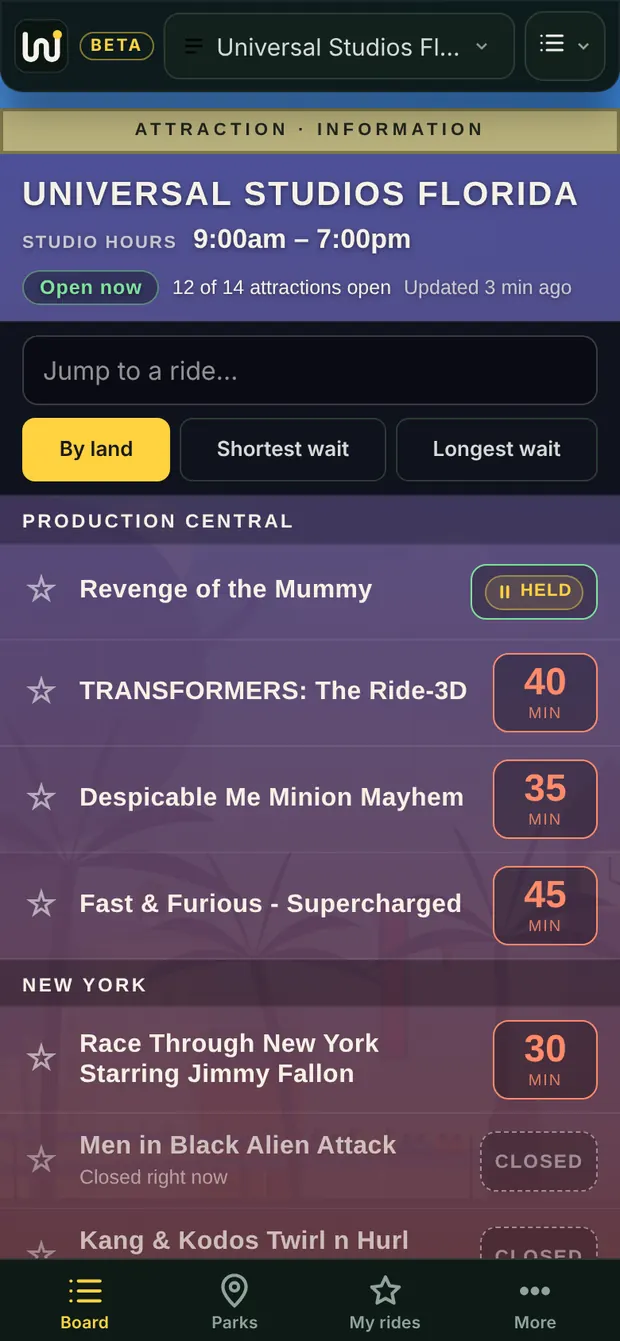
Held
If a wait can’t be confirmed, the row says Held.
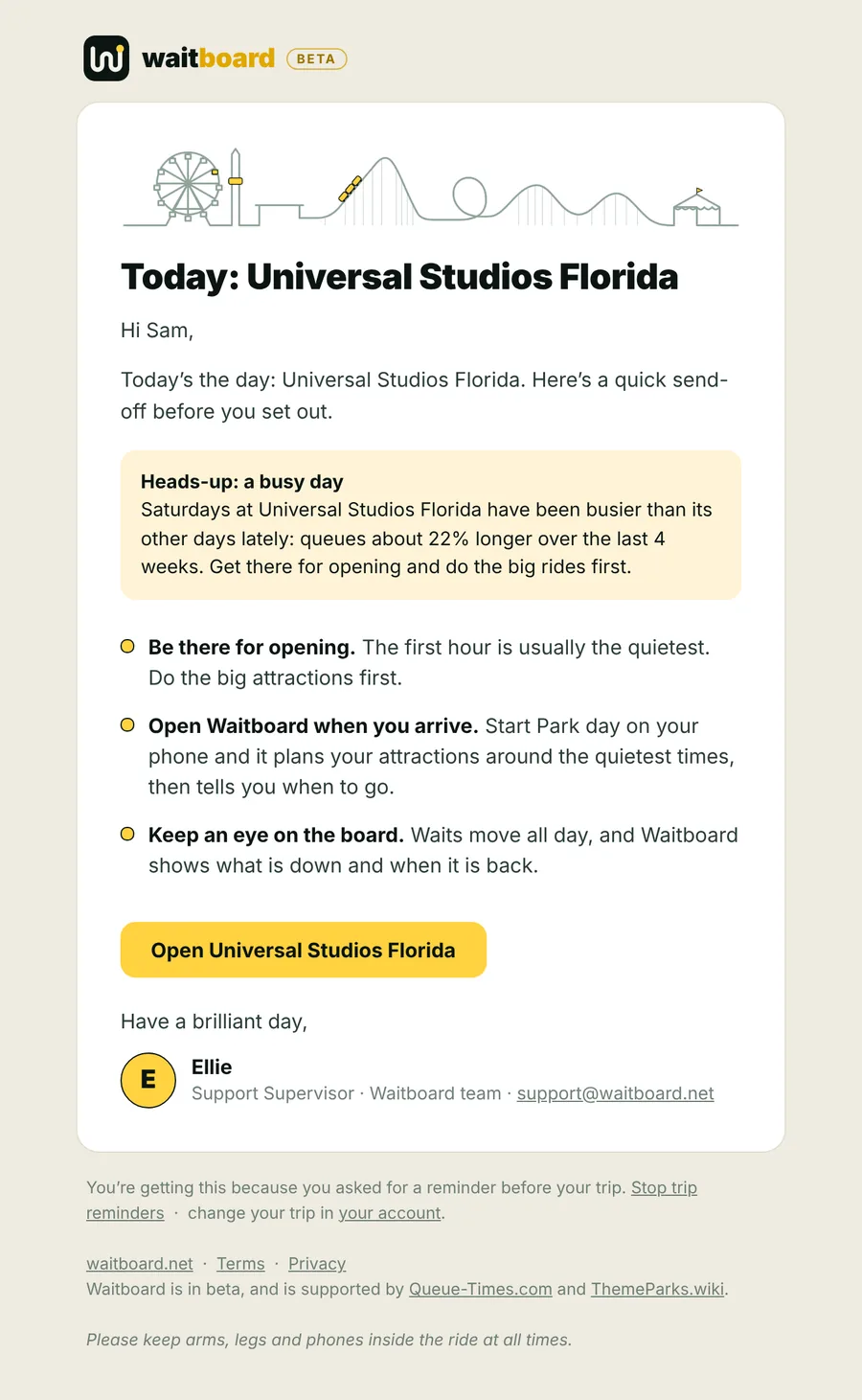
A note on the morning of your trip
Tell Waitboard which park you’re visiting and when. You get a heads-up a few days before and a short email on the day: how busy it usually runs, and what to do first.
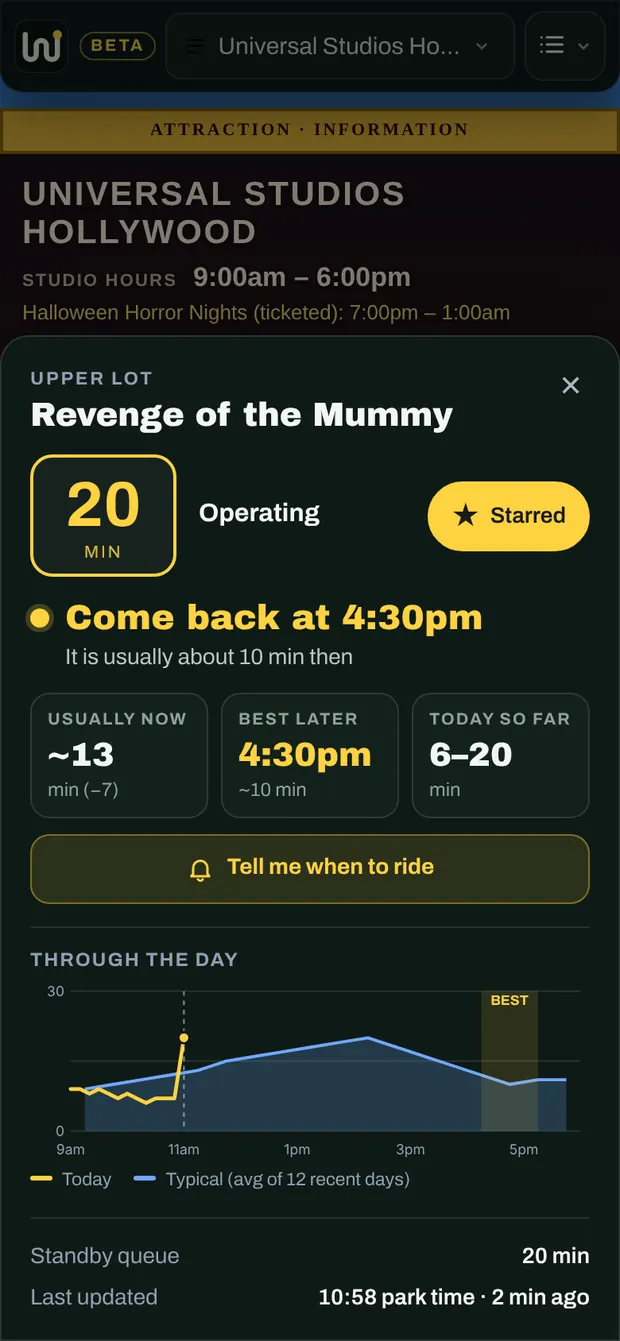
Is 45 minutes normal for this attraction?
Tap an attraction to see its usual wait for this time of day and the best time to come back.
- Ride now
- Quieter than usual for this time of day, or a queue of 10 minutes or less.
- Wait
- Open, with a queue.
- Best 4:30pm
- The quietest time later today, worked out from the attraction’s usual waits.
- Down
- It was running and has stopped. Waitboard spots it from the live feed.
- Closed
- Not running right now. If it opens later, Best shows when.
Halloween nights and Christmas, on the board.
When a park runs a ticketed night or a seasonal event, the board says so and changes its sky and colours.
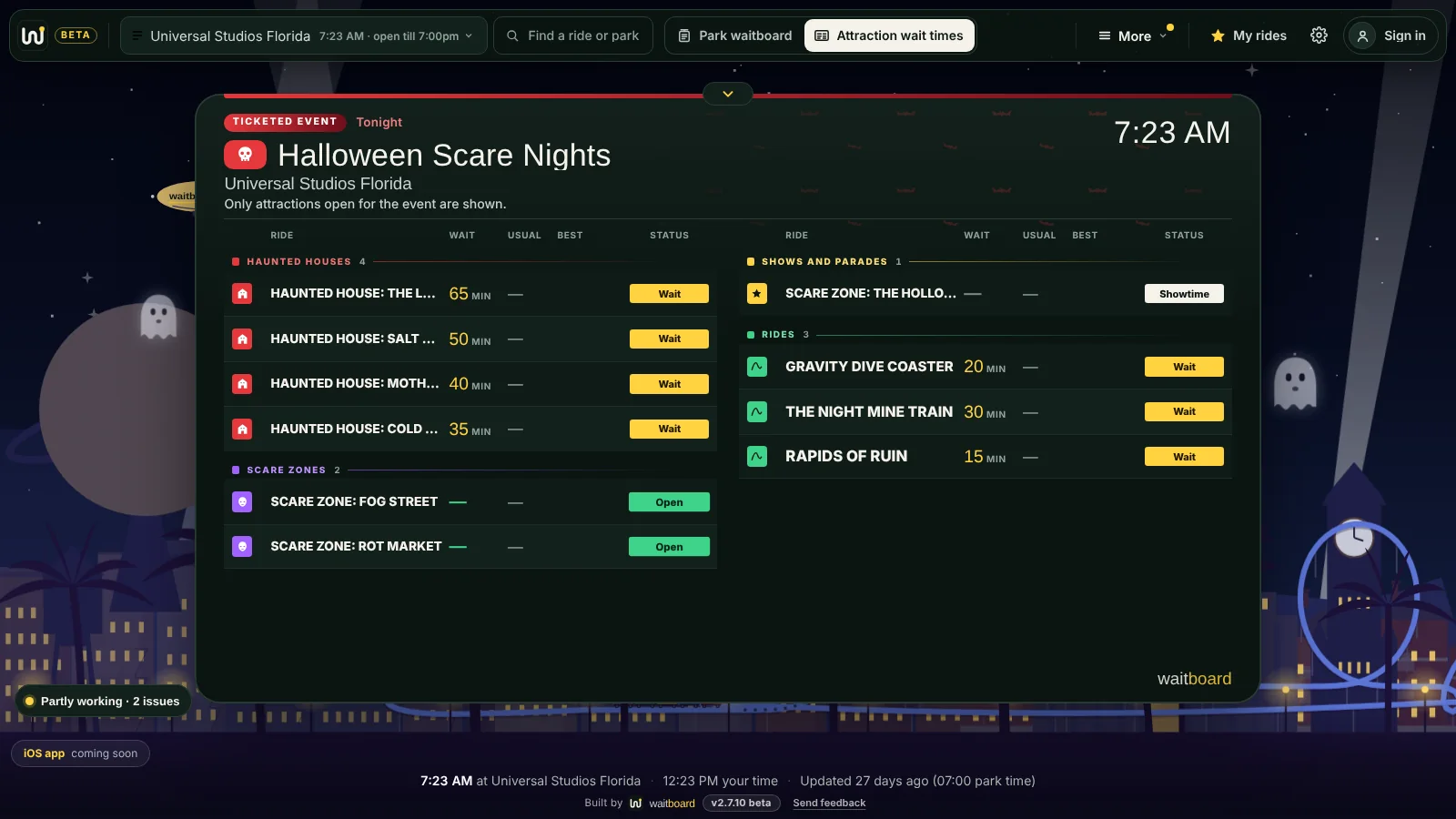
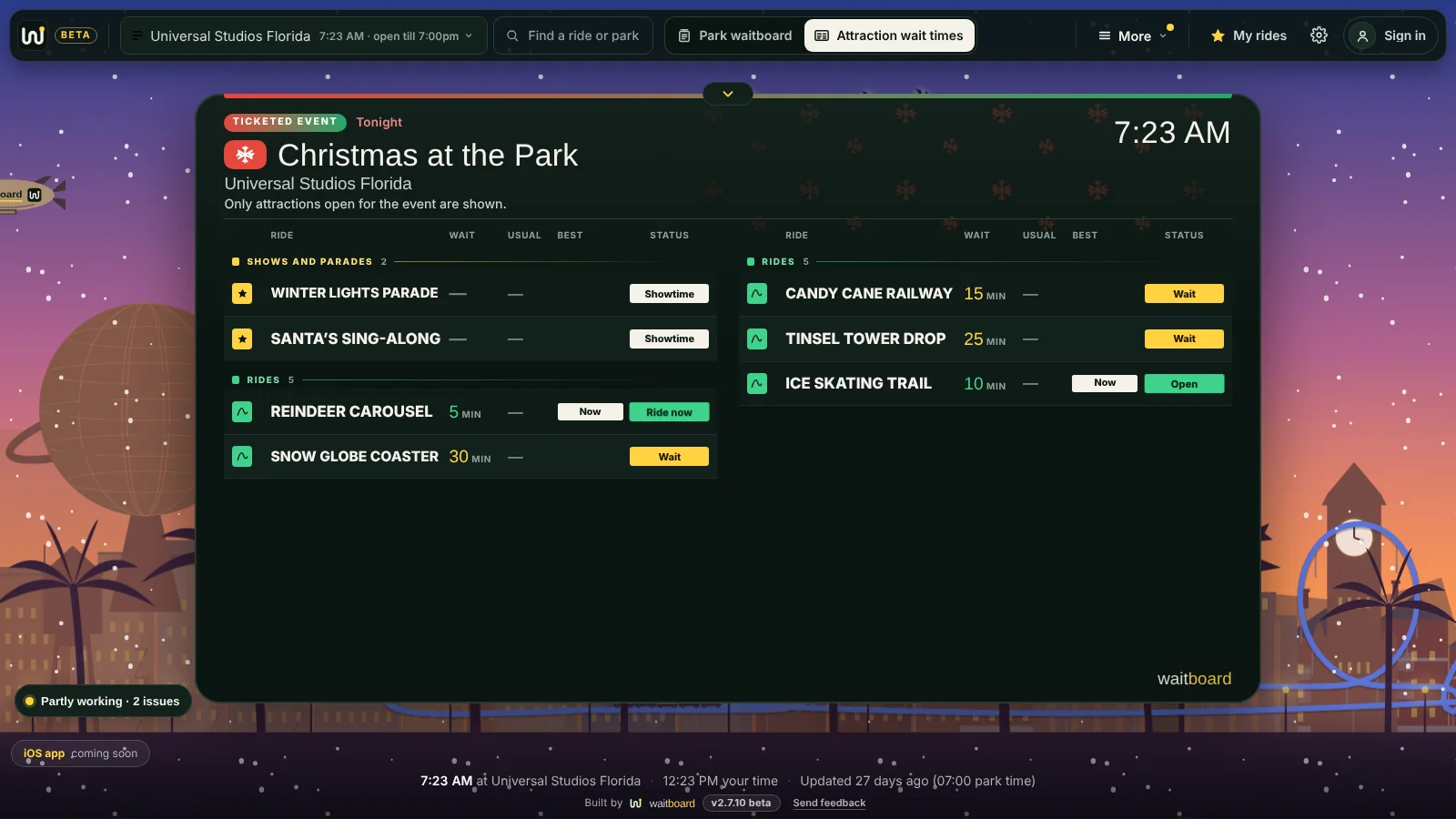
Example events with sample data. Real event names, dates and opening times come from each park.
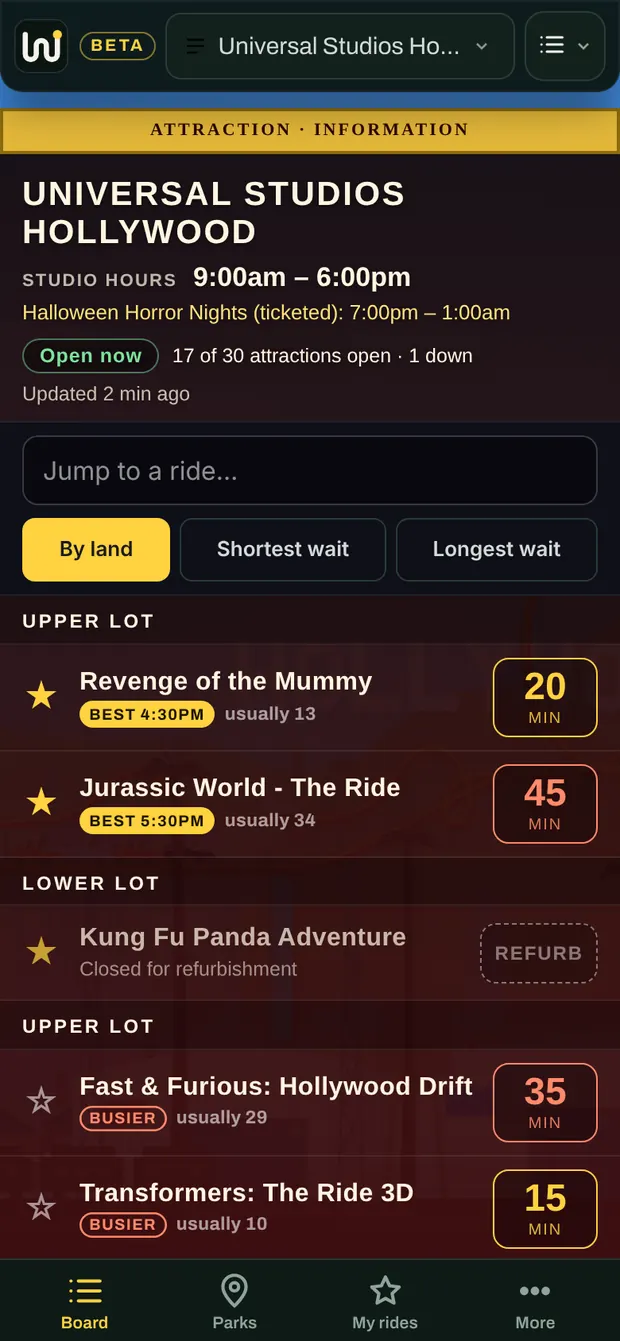
The board, the sign and your phone.
The same live waits, in the layout that suits the screen you’re holding.
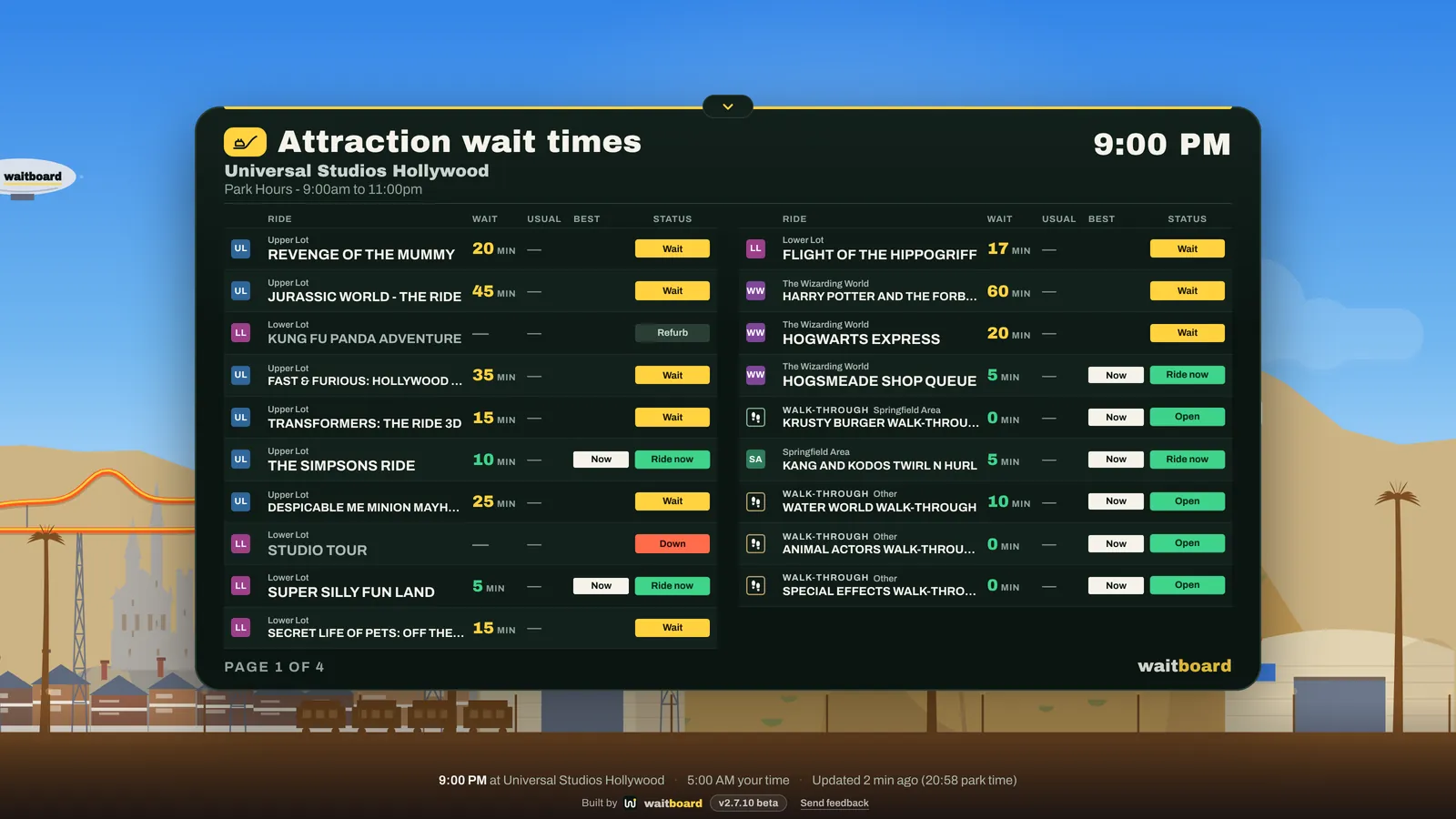
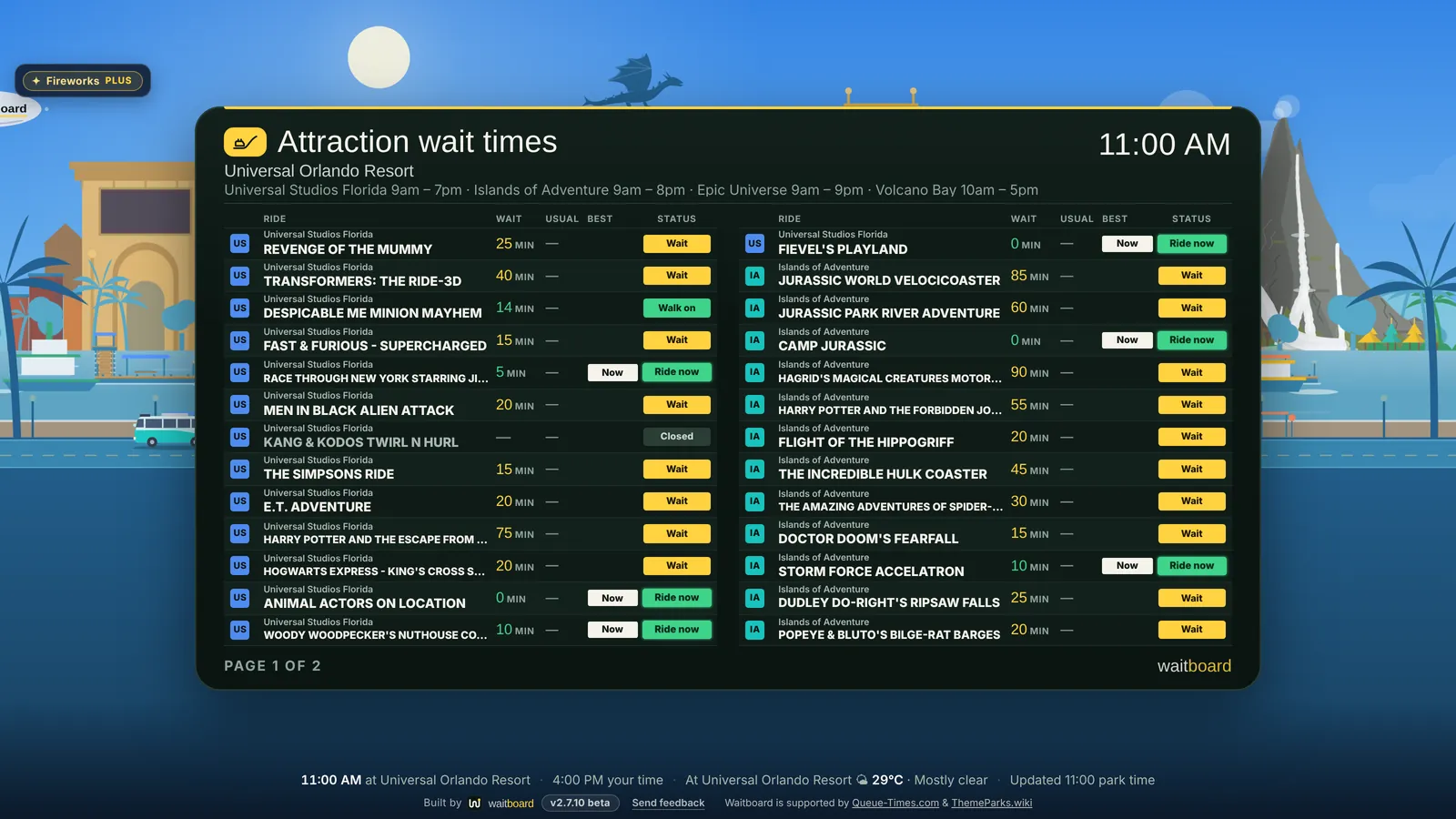
Attraction wait times
Every attraction in columns, like a departures board.
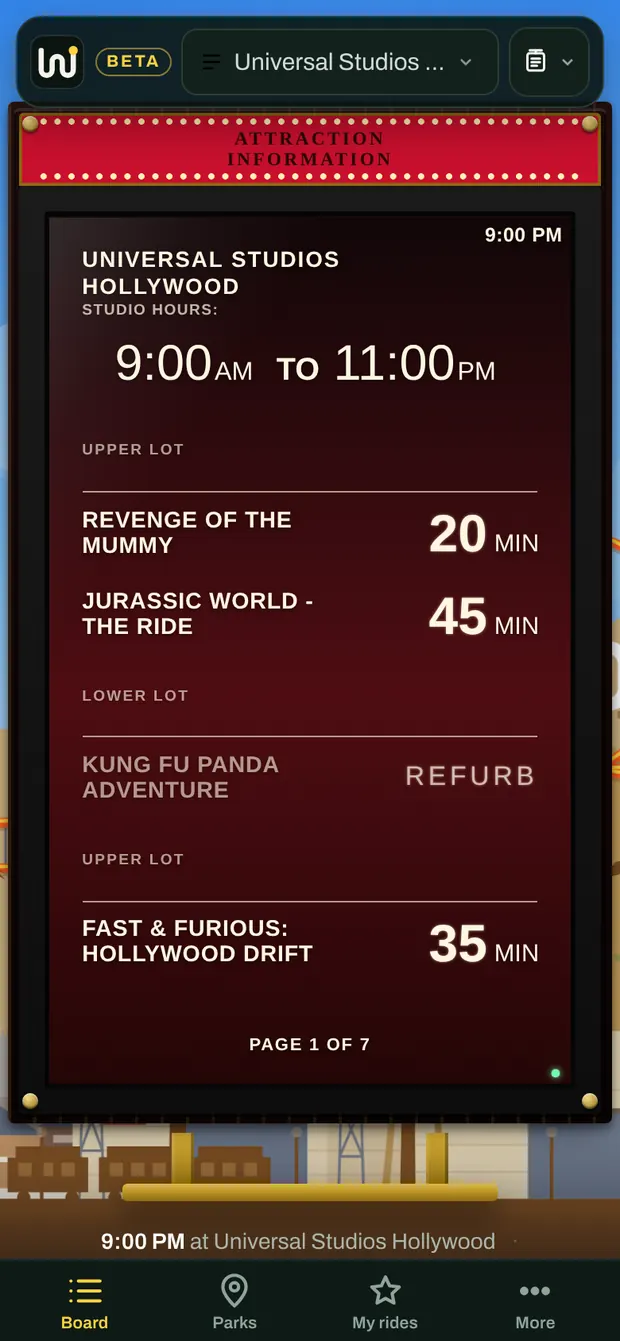
The park sign
Styled like the signs in the park, over a backdrop of its own skyline.
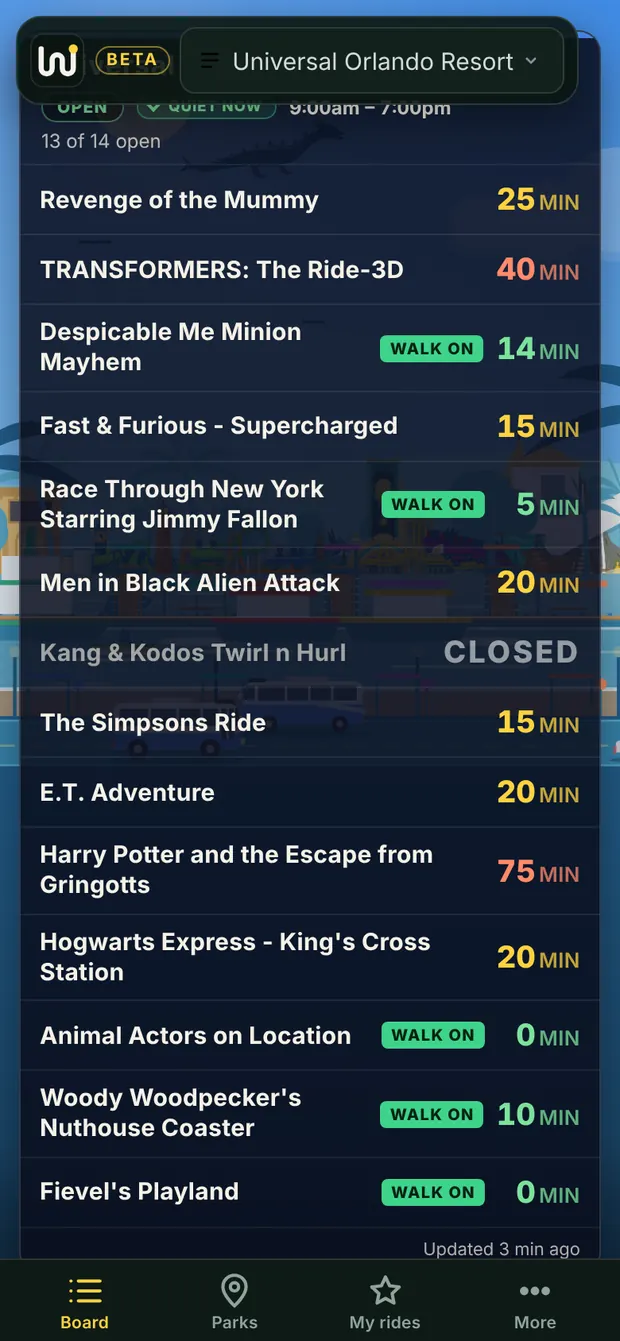
On your phone
A list you scroll with your thumb, starred attractions first.
32 parks, each with its own backdrop.
More are added as their backdrops are drawn.
- United Kingdom
- Alton Towers, Thorpe Park, Chessington World of Adventures, Legoland Windsor, Blackpool Pleasure Beach, Paultons Park, Flamingo Land
- Florida
- Magic Kingdom, EPCOT, Disney’s Hollywood Studios, Disney’s Animal Kingdom, Universal Studios Florida, Islands of Adventure, Epic Universe, Volcano Bay, SeaWorld Orlando, Busch Gardens Tampa Bay
- Rest of the US
- Disneyland, Disney California Adventure, Universal Studios Hollywood, Cedar Point, Dollywood
- Europe
- Disneyland Park Paris, Disney Adventure World, Efteling, PortAventura Park
- Asia
- Tokyo Disneyland, Tokyo DisneySea, Universal Studios Japan, Hong Kong Disneyland, Shanghai Disneyland, Universal Studios Beijing
Detailed park maps
Every land, attraction and restaurant laid out, with live waits on the map.
- Epic Universe
- Universal Orlando Resort
- Universal Studios Florida
- Alton Towers





A whole resort on one board
Walt Disney World, Universal Orlando, Disneyland Resort, every park in Florida or every park in the UK. Each park keeps its own colour and hours.
Your own resort Plus
Pick up to four parks from anywhere in the world and put them on one board. Or build a board from just the attractions you care about.
The Deskboard: wait times on your desk.
A small stand with its own screen. Plug it in, scan the QR code on the screen with your phone and choose a park.
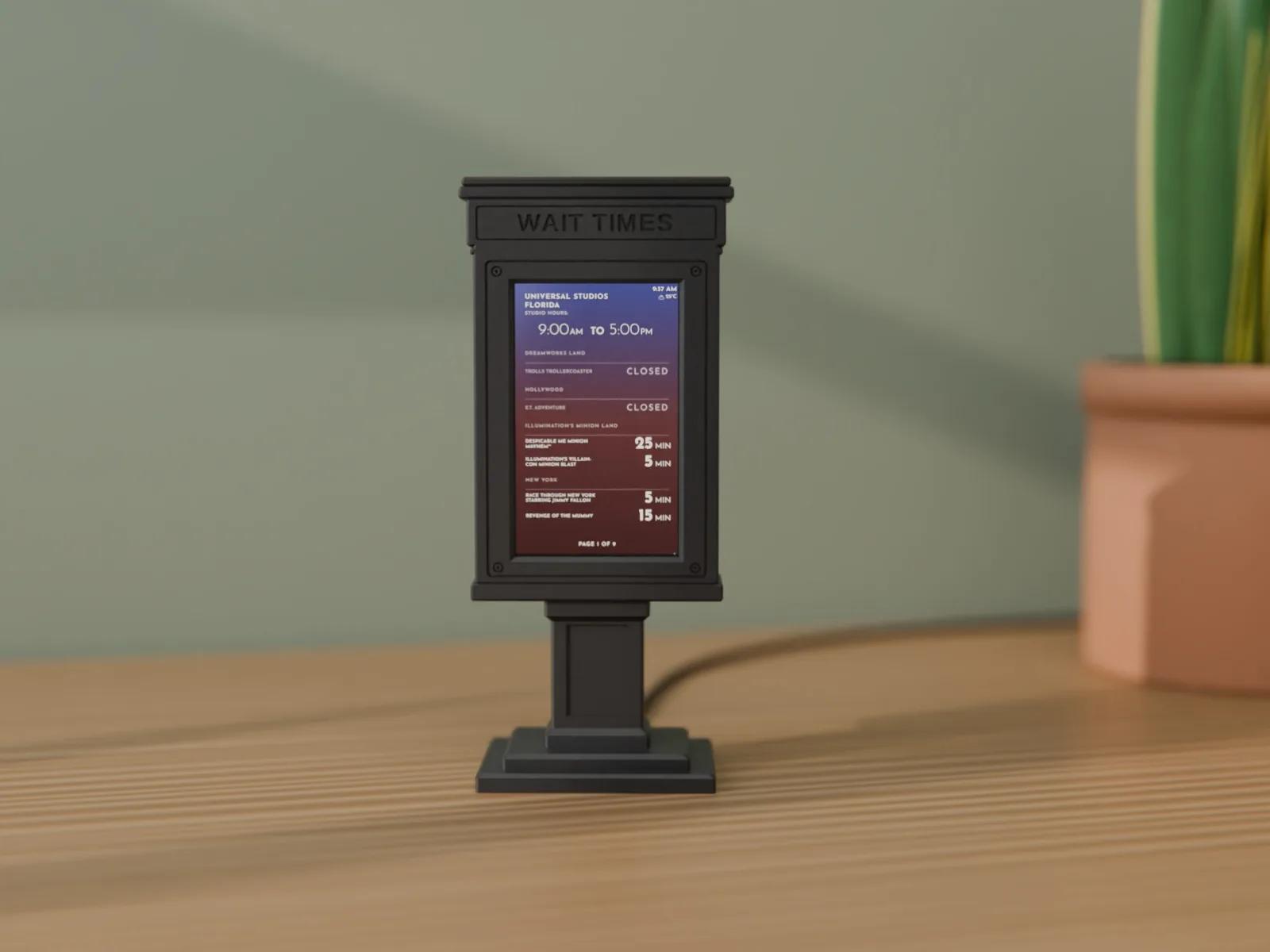
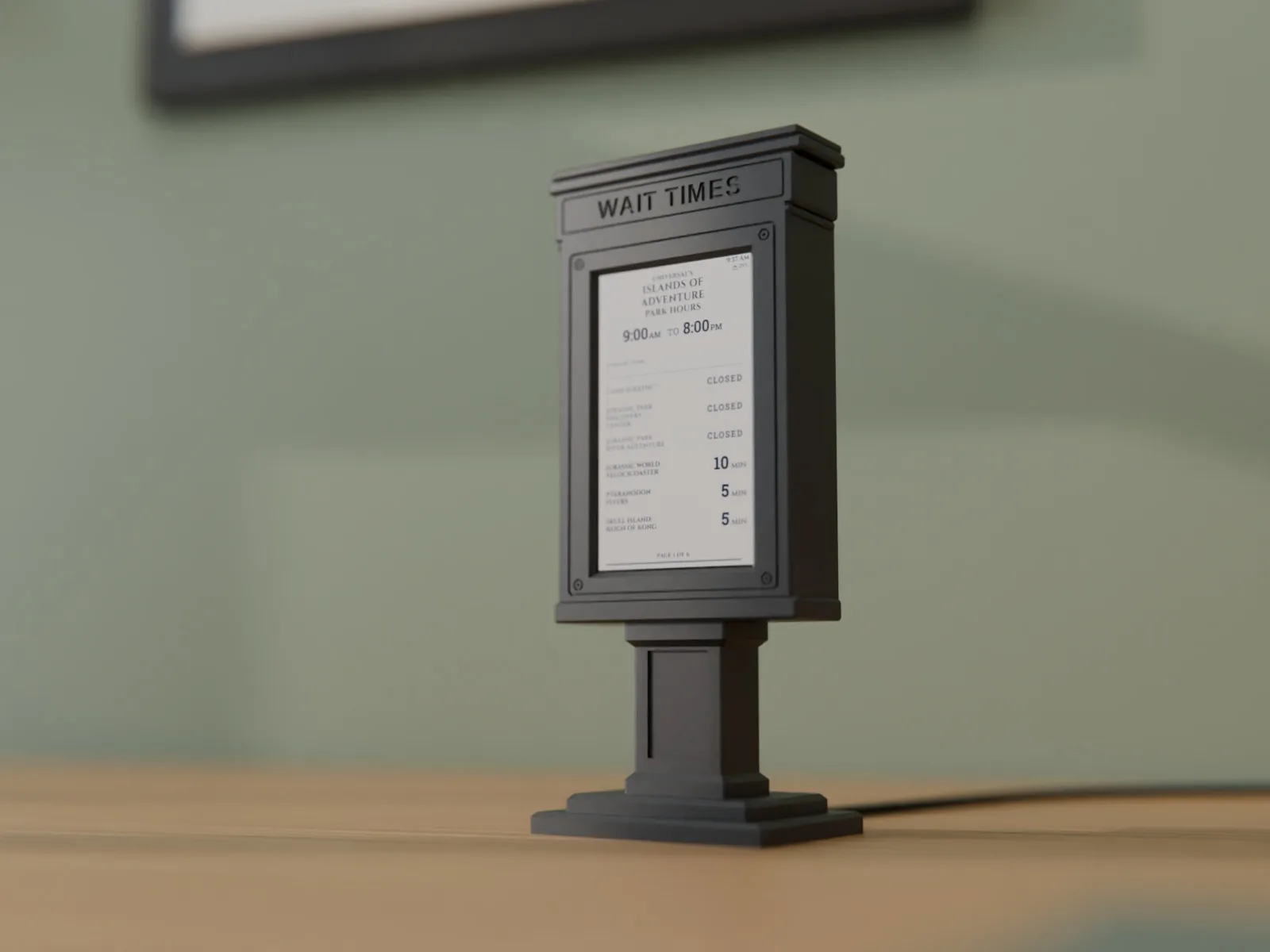
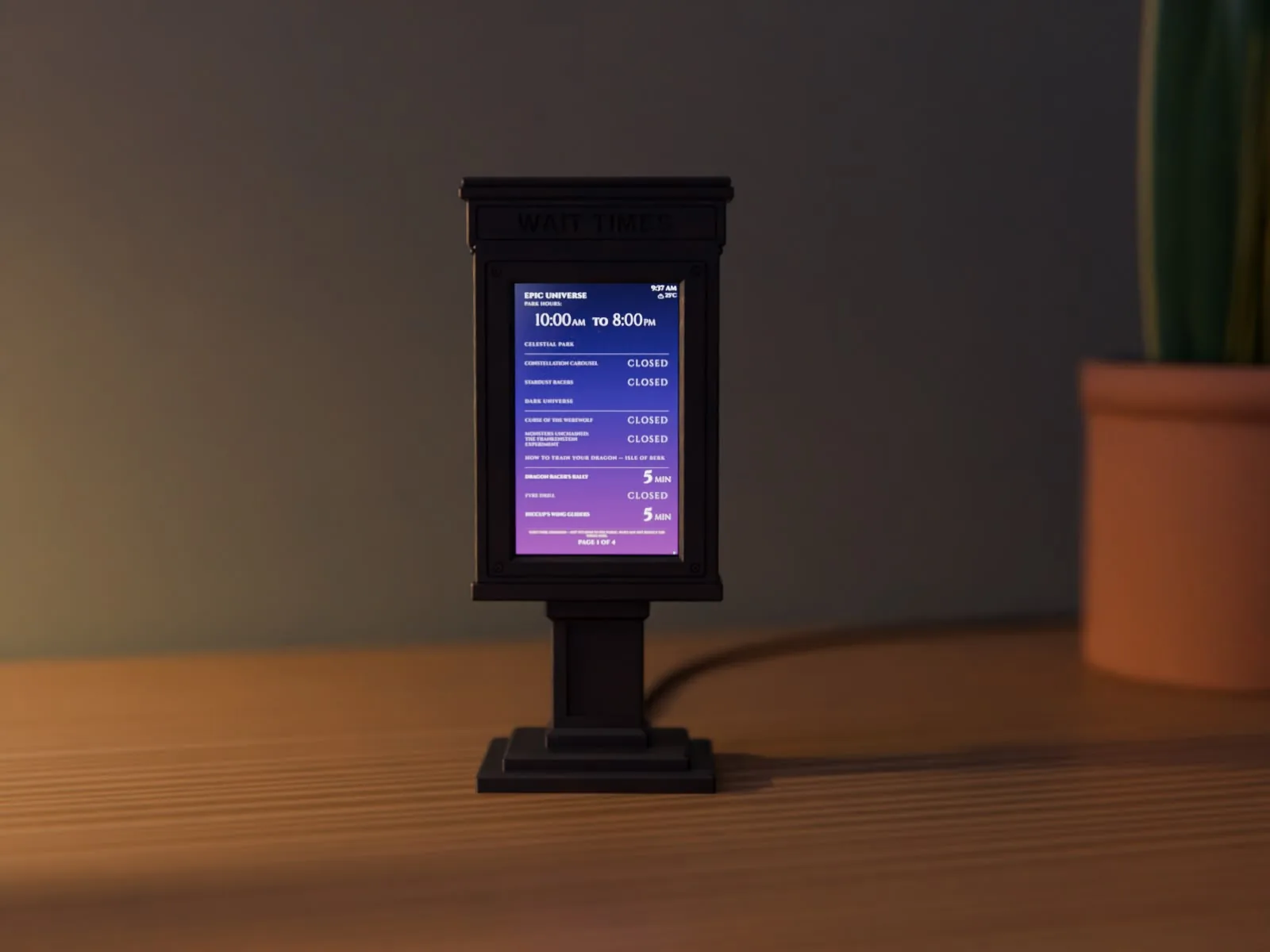
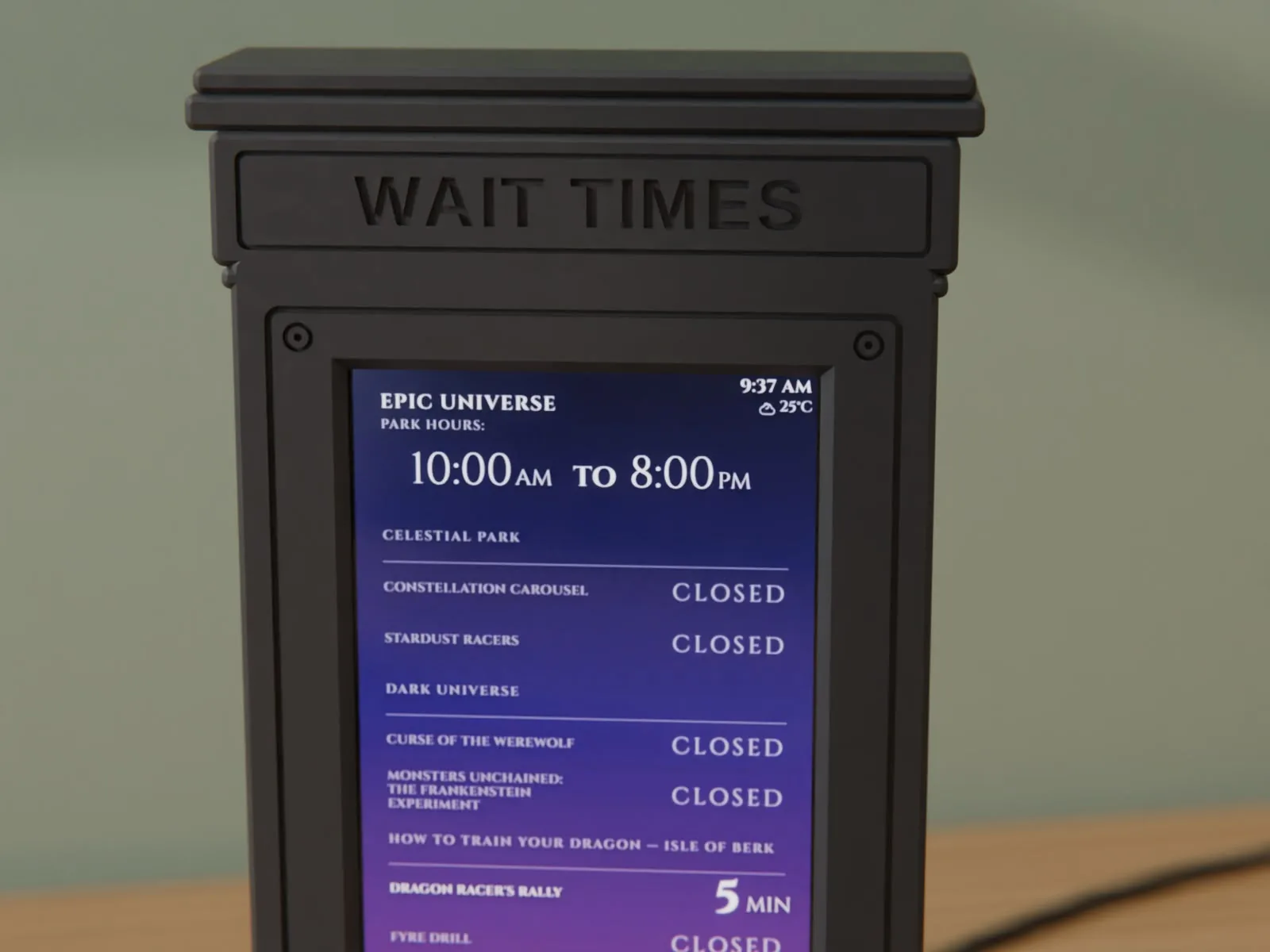
Three looks
The park’s own sign, a table of attractions, or a plain list. Change it from your phone.
Closed? It rests.
Overnight it can show a screensaver instead of a screen full of Closed.
Plus comes with it.
Anyone who buys a Waitboard device gets Waitboard Plus at no extra cost.
Bring your own Pi
Already have a Raspberry Pi? You can run the Deskboard software on it. A subscription is needed, and it isn’t included.
From £90 for the 4 inch display, as pictured.
The Displayboard is the other one: a tiny box that plugs into your TV, for £30. It’s coming.
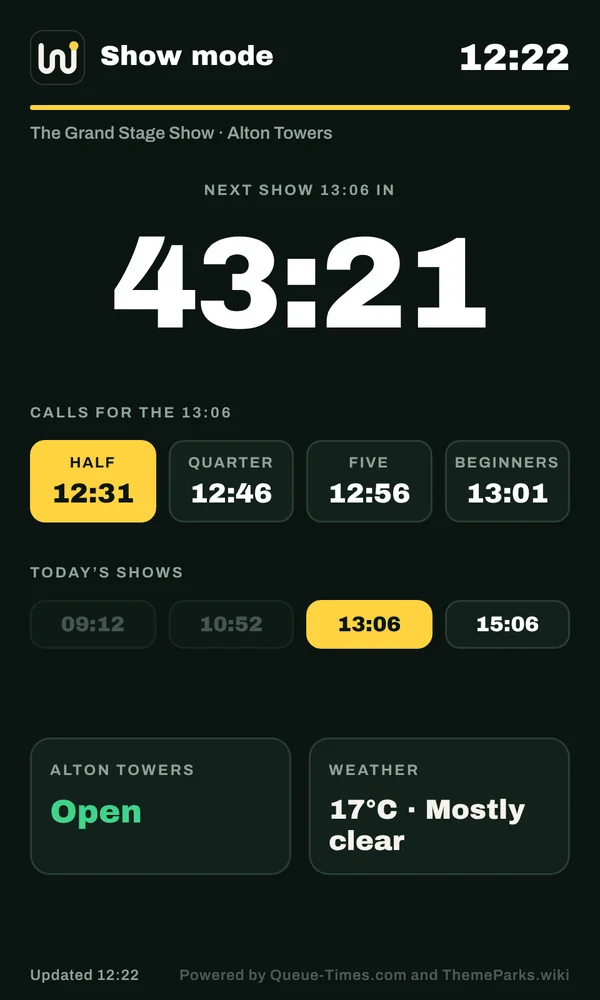
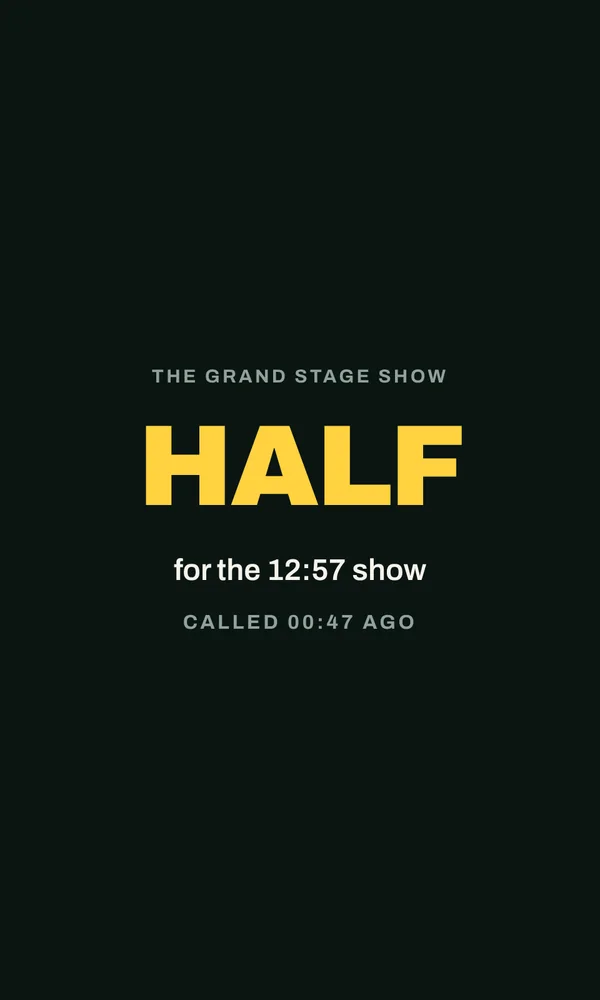
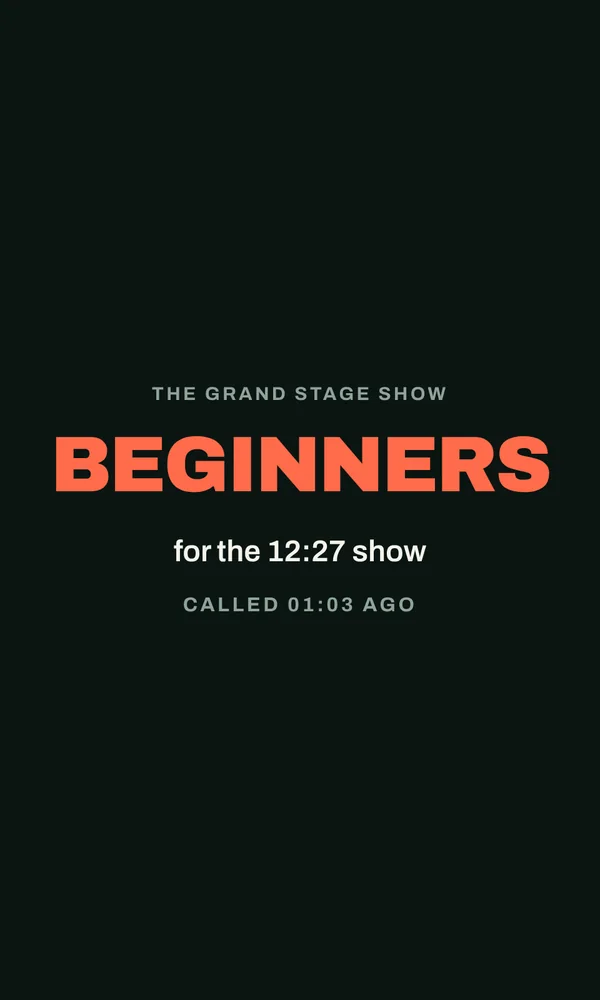
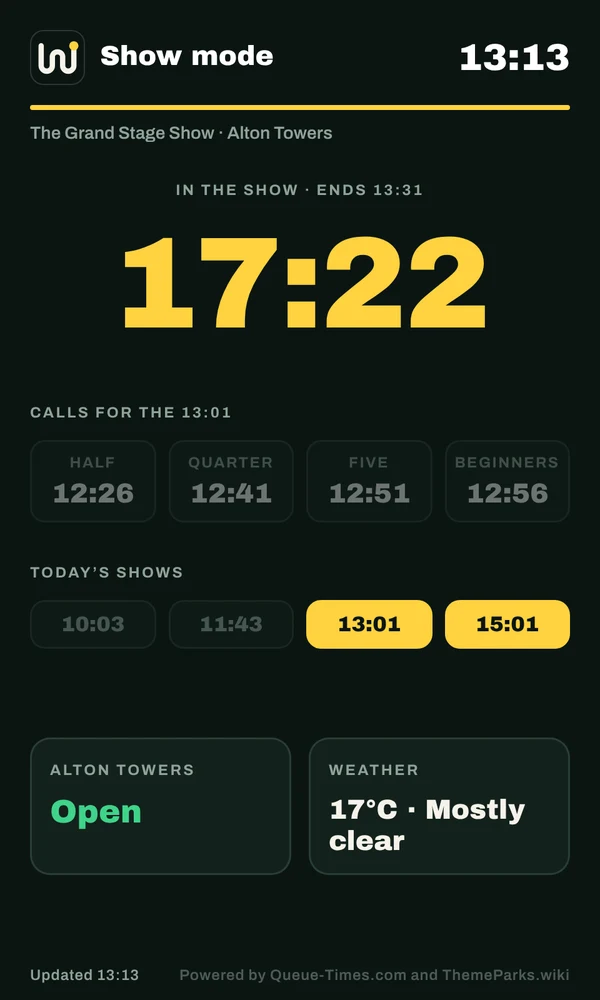
Show mode: the countdown, then the calls.
Show mode is for the people who run shows in parks. It counts down to the next show and puts each call on the screen in type you can read across the room: Half, Quarter, Five, Beginners.
Live show times
The times come from the park and stay up to date.
UK or US calls
Half, Quarter, Five and Beginners at 35, 20, 10 and 5 minutes before the show, or Half hour, Fifteen, Five and Places.
Your own extras
Show managers can add calls and reminders, and set the show’s length, the interval or their own times.
Only on your screen
Changes a show manager makes stay on the Deskboard. They never change what the public sees on Waitboard.
Put it on the TV. Run it from your phone.
Free account Deskboard Web turns any TV, monitor or tablet into a Waitboard display. Your phone is the remote: change the park and the TV follows.
- Open app.waitboard.net/web on the screen. It shows a pairing code and a QR code.
- Pair it with your phone. Scan the QR code or type the code in.
- Choose the parks. Let them take turns, and set the screen to sleep at night.
Displays show a small sponsor card unless you have Plus.
Free to use. Plus if you want more.
Free account
- Live waits for all 32 parks, on both boards
- Resort boards and event boards
- Star your attractions, with Ride now and best-time badges
- Deskboard Web: a board on any screen, run from your phone
- Attraction data for today and yesterday
- 3 Park days a month
- A small sponsor card on the board
Waitboard Plus Pay what you want
- Park day, every day. No monthly limit.
- Attraction emails. An email when an attraction’s queue drops well below usual, and a morning plan of the best times at the parks you follow.
- Your own board and resort. Attractions from any parks on one board, and up to four parks on one backdrop.
- Full attraction data. Every attraction’s record wait, reliability, busiest hours and weeks of history.
- Fast-track park requests. Ask for a park that isn’t here and it goes straight to the team.
- Free with a Waitboard device. Plus is included with a Deskboard or a Displayboard.
- No ads, anywhere.
- New things first, including firework shows over the park after dark In progress
Plus needs a free account. It renews each month or year until you cancel; cancel any time from your account and it runs to the end of the period you’ve paid for. Terms
Beta testers aren’t charged for Plus while they test.
For parks and attraction makers: Attraction Monitor puts your attractions on a control-room board. Company plan £49 a month or £490 a year, Operator plan £99 a month or £990 a year, before VAT.
Ask about ProCheck the board before you queue.
Not after the beta?

